

The Madhya Pradesh State Open School, Bhopal, has made the MPSOS migration certificate 2026 available online for students who have successfully cleared the Class 10 and Class 12 examinations under the Open School, Ruk Jana Nahi, and Aa Laut Chale schemes. The certificate is commonly required when a student seeks admission to another school, college, university. Students who need to take admission in a regular school, college, or university after passing from MP Open School can now download their migration certificate directly from the official website, mpsos.nic.in.
Direct Link to Download Your MPSOS Migration Certificate 2026
Who Can Download MPSOS Migration Certificate 2026?
The migration certificate is generally available to students who have passed the relevant MPSOS Class 10 or Class 12 examination. The online facility covers eligible examination categories and records maintained by the board.
Overview of MPSOS Migration Certificate 2026
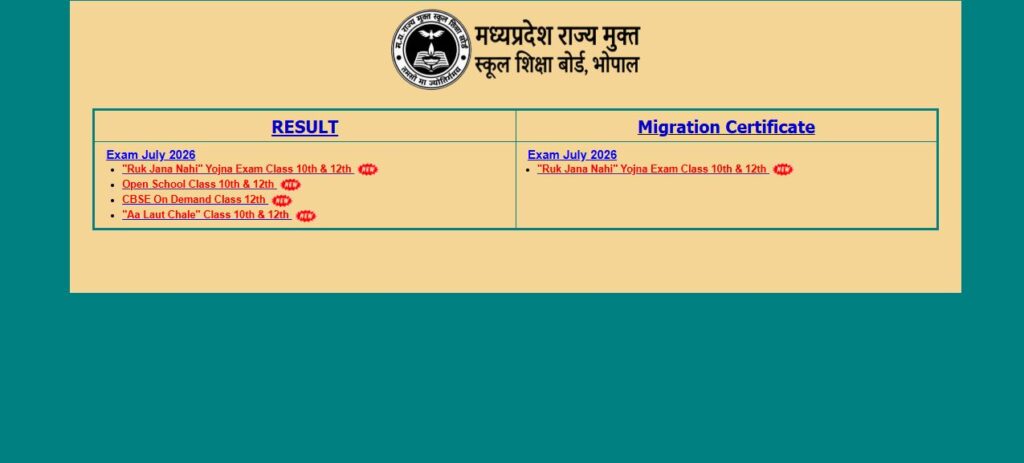
The MPSOS official portal is provides Result and Migration option where result categories like Open School, Ruk Jana Nahi, Aa Laut Chale, Open School On-demand, and other relevant examinations are available.
| Parameter | Details |
| Exam Board | Madhya Pradesh State Board of Open Schooling (MPSOS) |
| Document Name | MPSOS Migration Certificate 2026 |
| Applicable Classes | Class 10th (Secondary) & Class 12th (Higher Secondary) |
| Covered Schemes | Open School, Ruk Jana Nahi, Aa Laut Chale, ITI, On-Demand |
| Mode of Availability | Online Portal (PDF format) |
| Official Portal | mpsos.nic.in |
How to Download MPSOS Migration Certificate 2026?
Students can follow these simple steps to download their MPSOS Open School Migration Certificate from the official portal.
- Visit the official MPSOS website at mpsos.nic.in.
- On the homepage, look for the Result/Migration option.
- Select the relevant examination session or category.
- Choose the option related to the Migration Certificate.
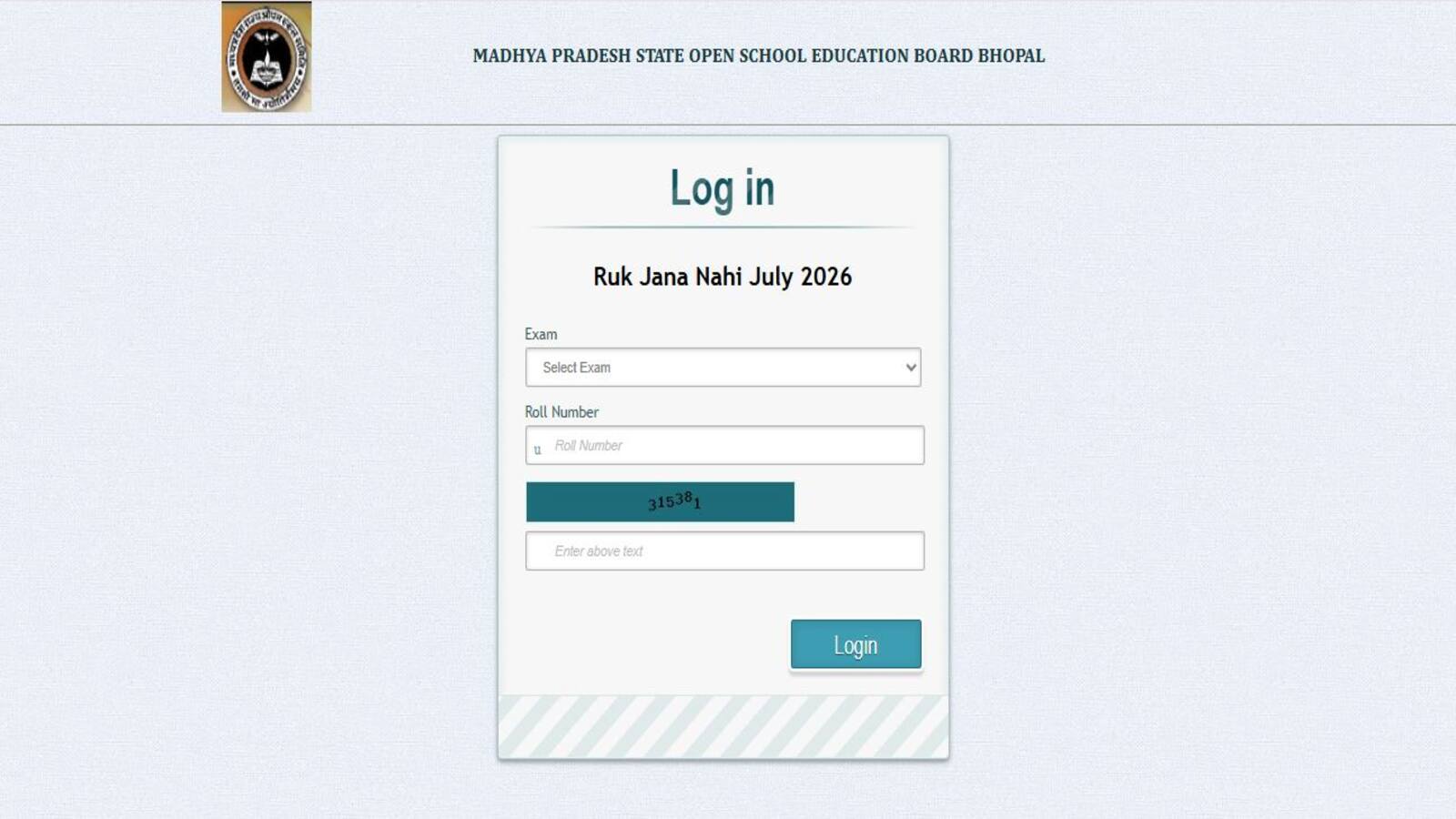
- Enter the required details, such as Class and Roll Number/OS Roll Number.
- Submit the details by clicking the login/search option.
- Your MPSOS migration certificate will appear on the screen, if available.
- Download the certificate and save the PDF for future use.
- Take a printout if your college, school or other institution requires a physical copy.
What Is the MPSOS Migration Certificate?
A migration certificate is a document that enables a student to transfer from one educational board to another. For candidates who have passed Class 10th or 12th from MPSOS, this certificate becomes mandatory while applying to a CBSE, MP Board, or any other recognized institution, and for college or university admissions.
MPSOS Open School Migration Certificate 2026 FAQs
Where can I download the MPSOS Open School Migration Certificate 2026?
What credentials are required to download the Migration Certificate?
Last Updated on August 14, 2026 9:04 pm